
NotLost Upload Guidelines
Categories of Item
Bags
- Clear picture of the entire bag
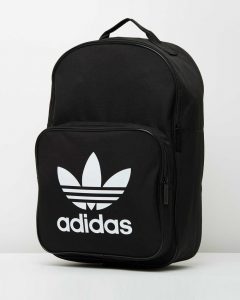
- Optional – remove some important items and show these in the picture
- Add the brand and colour/pattern
- Add the bag type, i.e. tote or rucksack
- Any distinguishing features or damage
- Add the content of the bag, adding key info for each item (see rest of guide)
Car Keys
- Clear picture of the keys and any key fobs attached
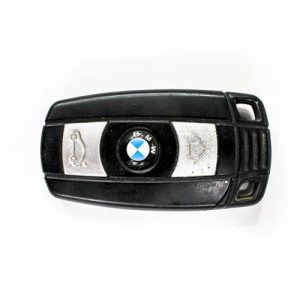
- Add the brand of the keys
Clothing
- Clear picture of the item, include the brand where possible
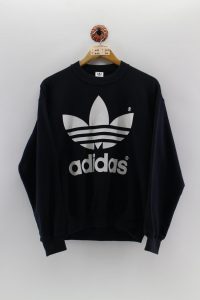
- Add the brand
- Add the size
- Add colours or patterns
- Check and add anything in the pockets
Confidential Documents
- No picture

- Add the document type
- Add the customer’s name if possible
Credit/Debit Cards
- No picture
- Add the customer’s name
- Add the bank
- Add the type i.e. debit card
- Add the last 4 digits only
Driving Licence/ ID Cards
- No picture
- Add the full name as seen on the card
- Add the card type
- Add the country/institute if relevant
Glasses
- Clear picture of glasses (and the case)
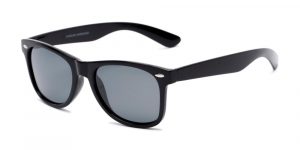
- Add the brand
- Add colours / patterns
- Add any remarkable features i.e. scratches, chew marks on the arms
Jewellery
- Clear picture, try and show the brand as you can always zoom in on the image
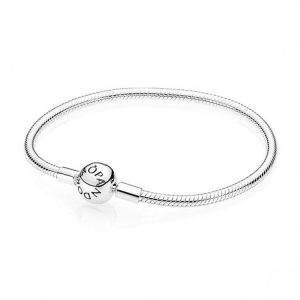
- Add the brand
- Try to describe the item as a customer might
- Add any engravings or distinguishing features
Keys
- Clear picture of the keys and any key fobs attached
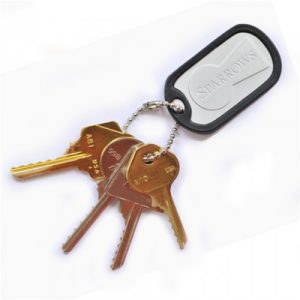
- Add the brand of the keys if appropriate
Medicine/EpiPen
- No picture
- Add the customer’s name if visible
- Do not specify personal details (such as address) if they are visible on the item
Money/Cash
- No picture
- Add the value in both number and word format
- Add the value of notes that make up the full amount
Passports
- No picture
- Add the full name as seen on the passport
- Add the issuing country
Phones/Digital Items
- Clear picture of the phone, and background image where appropriate
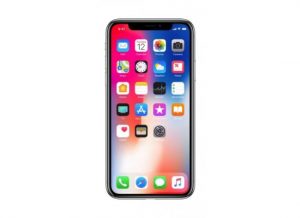
- Add the brand i.e. Apple or Samsung
- Add the model
- Add if there is any damage
- Add IMEI or Serial if visible
Wallet/Purse
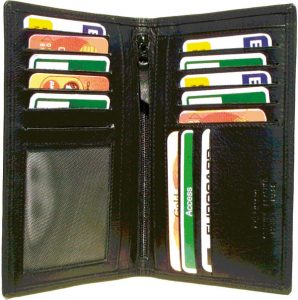 Clear picture of the wallet, either open or closed depending on the type
- Add the brand
- Add the types of cards in the wallet
- Add the name if visible
- Add the value of cash